
Integrations

Customer service integrations

iService connects customer operations to the CRM, email, identity, payment, and AI systems you already use. Packaged connections, provider configurations, APIs, and webhooks let you evaluate each integration path. Connected systems keep their existing roles while iService handles customer service work.

Connect the systems your teams depend on without replacing them.

Request a Demo

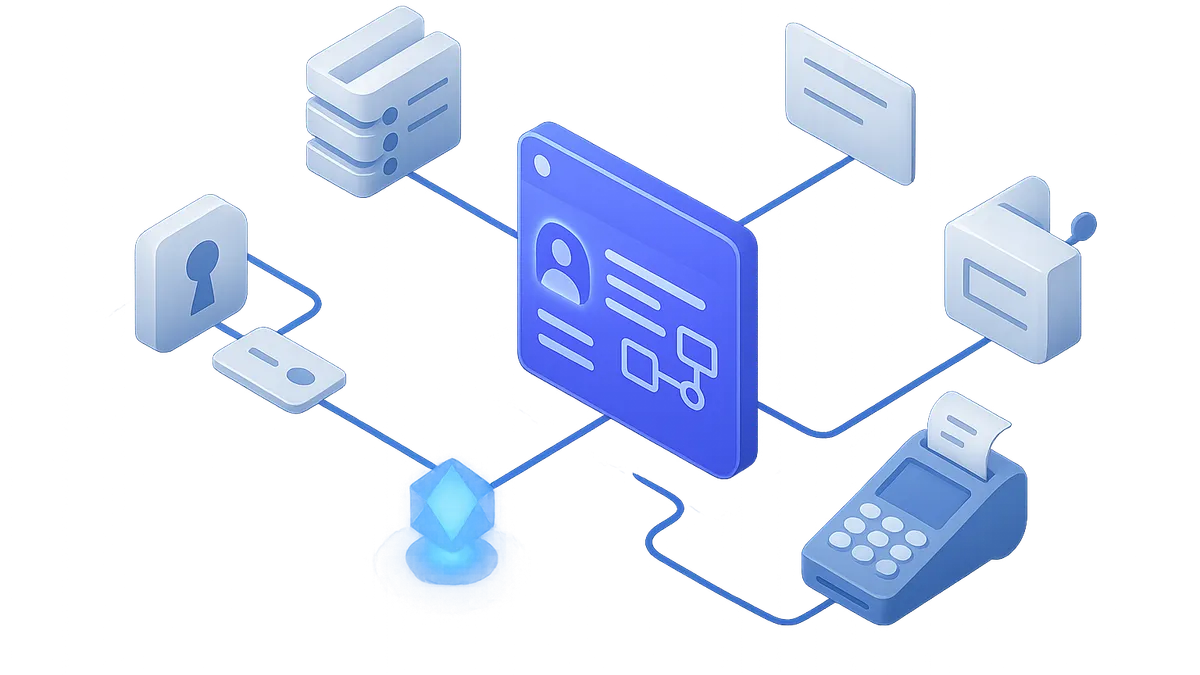
A central iService service workspace connected to CRM, identity, email, payments, AI, and automation systems.

Customer data across connected systems

Your teams need customer records and interactions to move between systems without repeated entry.

iService exchanges selected customer records and interactions with connected systems when that connection supports data exchange. Connections that send event notifications do not exchange that data. This reduces re-entry while each connected system continues to hold the work it owns.

Online banking integration

A customer IT team needs a connection it can build for its online banking message center.

Desert Financial Credit Union's IT team built an iService online banking integration in under four weeks. Its message center supports more than 100 agents providing online support.

Open Developer Docs

An external AI model provider connected to a controlled service-context boundary

Connections built around your systems

Your application estate has its own systems, providers, and integration boundaries.

iService keeps those systems in place and gives you packaged connections, provider configurations, APIs, and webhooks to evaluate. Batch Utility runs CSV records through Custom Forms to create tickets, send notices, and update contact properties. It replaces spreadsheet handoffs with the same supported form actions.

Integration directory

Choose a packaged connection or use APIs, web services, forms, and webhooks for the systems in your estate.

  • Salesforce

    Salesforce CRM.

    Connect iService to Salesforce as part of your customer operations estate.

  • Microsoft 365

    Microsoft 365 email.

    Connect iService to Microsoft 365 email for customer service work.

  • AI Models

    AI models.

    Connect AI models to iService as part of your customer operations setup.

  • Identity and Single Sign-On

    OpenID agent sign-in.

    Configure Google, Microsoft, or Okta OpenID credentials in iService. The provider button then appears on the login page for agent sign-in.

  • Payments

    Heartland payment actions.

    Use Heartland workflows to authorize and capture payments, issue refunds or reimbursements, void or charge back transactions, and restrict actions by user type.

  • Zapier and External APIs

    Zapier, APIs, web services, forms, and webhooks.

    A Google Calendar event can trigger Zapier to call an iService action, create a ticket, and show that ticket in iService.

Explore an integration

Connect iService to the CRM, email, identity, payment, AI, and automation systems your customer operations team uses. Evaluate packaged connections, provider configurations, APIs, and webhooks for the integration boundaries you own.

Request a Demo

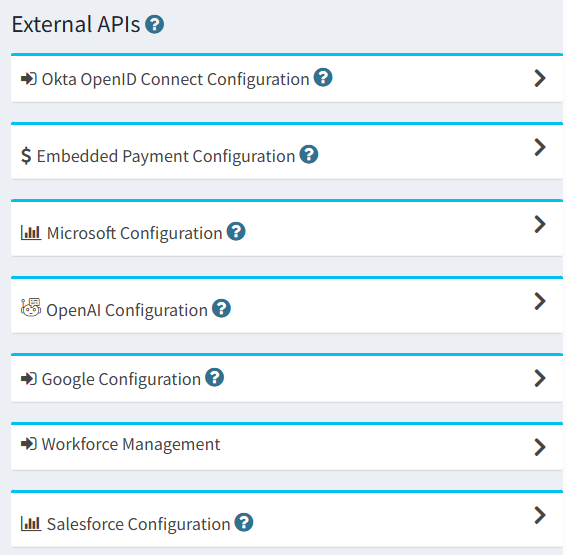
iService External APIs configuration list showing Okta, payments, Microsoft, OpenAI, Google, workforce management, and Salesforce.