
Common use case

Deliver secure messages in your portal or your own app

iService delivers secure customer messages through its built-in portal or through your own interface built on the iService API. Customers sign in to read account-specific correspondence. Customers and agents read the same interaction record and its full service history.

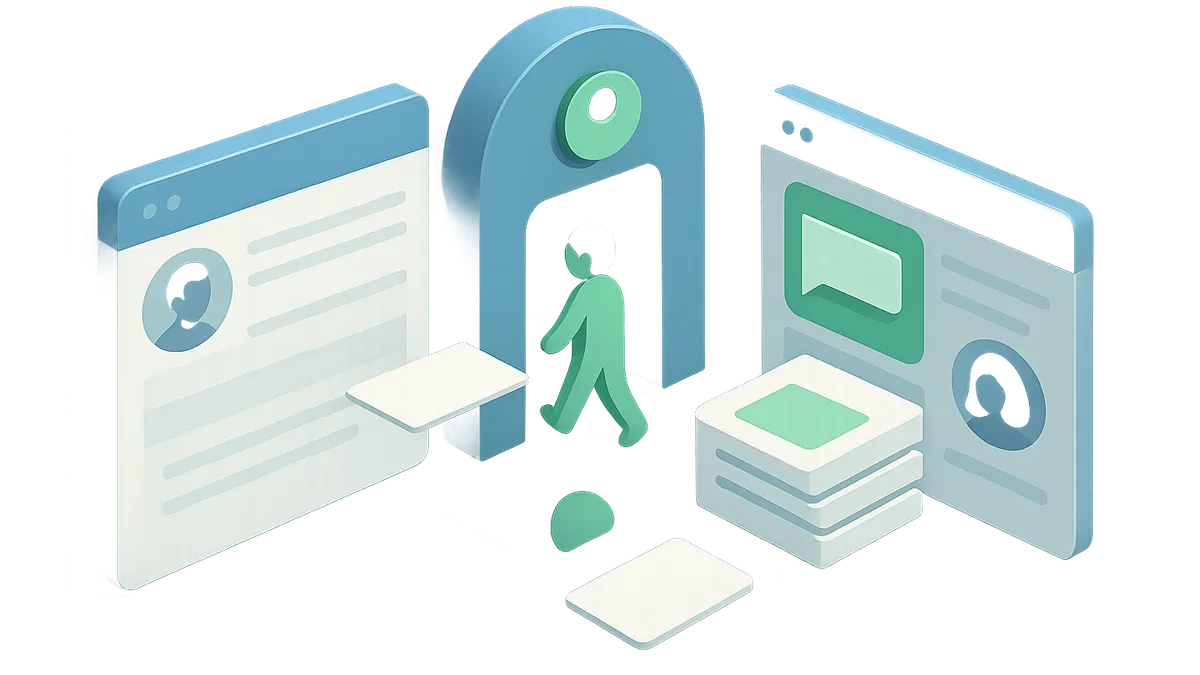
A secure notification bringing a customer through sign-in to a message and shared service history

Account detail stays behind a sign-in

Account details sent by ordinary email leave your control on delivery.

iService keeps account-specific correspondence behind a sign-in. Your team sends the customer a secure notification, and the customer signs in to read the answer. Sensitive details do not go in plain email.
Correspondence that requires authentication

Account correspondence customers must authenticate to read.

Secure Messaging Integration fits teams that need customers to read account-specific correspondence behind authentication. Use the built-in portal or place secure messaging in your existing signed-in customer site.

Segment Management and the iService API

Segment Management decides what a signed-in customer receives.

iService uses Segment Management to give signed-in customers account summaries, secure messages, and their own interaction history. A customer submits a portal question. iService sends a secure notification that directs the customer to sign in for the answer. You can publish the built-in Tabs or Treeview portal, or build your own interface against the iService API.

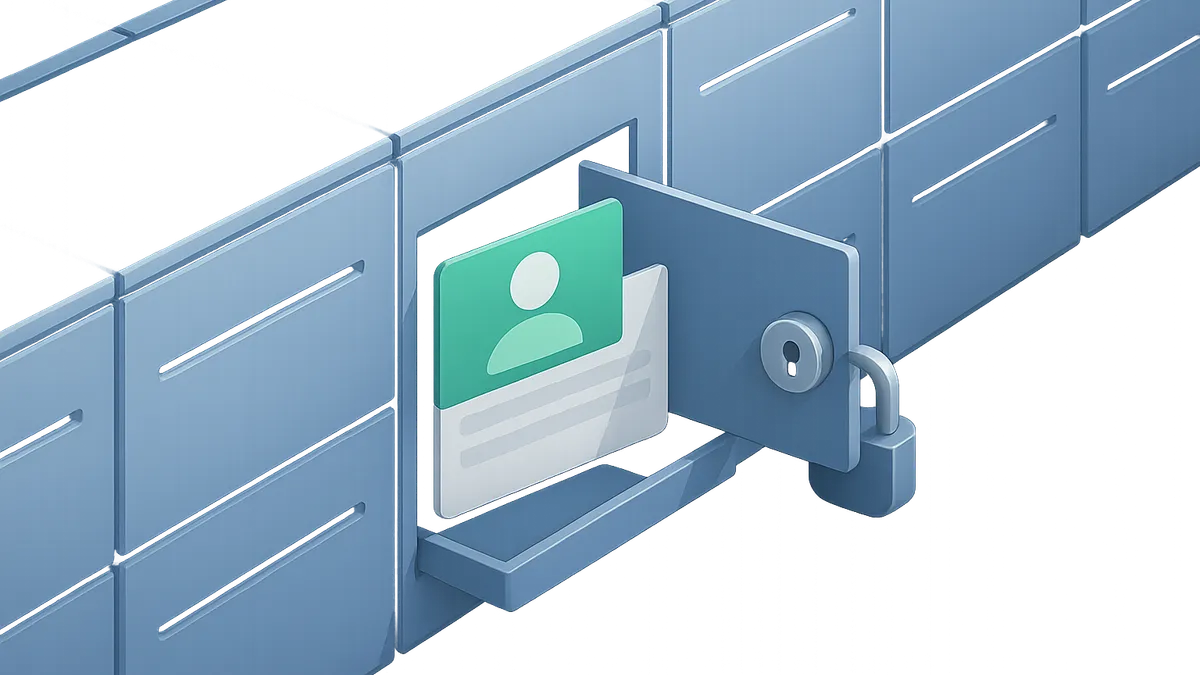
A signed-in customer opening only their own secure correspondence compartment

A secure answer the customer signs in to read

A customer asks an account question and reads the answer securely.

A customer submits an account question in the portal. iService sends a secure notification directing that customer to sign in for the answer. The customer signs in and reads the correspondence with their interaction history. The customer and agent work from the same interaction record.

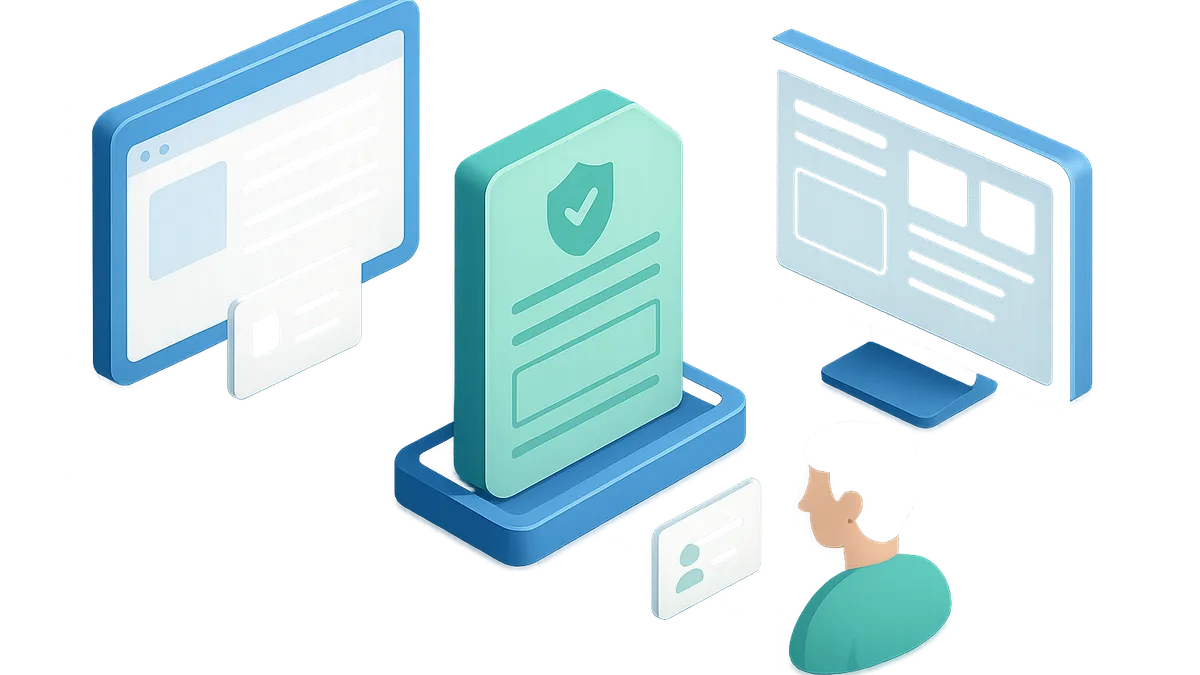
One secure interaction record publishing to a customer portal and a custom application interface

Two ways to publish the same records

The delivery surface is your choice, not a fixed product screen.

iService gives you two ways to publish secure messages. Use the built-in Tabs or Treeview portal, or build your own interface against the iService API. Both options publish the same secure customer records.

A custom interface keeps the service record

A custom interface must not lose the service record behind it.

Customers and agents read the same interaction record. A secure message keeps its full service history whether the customer uses the built-in portal or your interface built on the iService API.

See secure messaging in iService

Request a demo to see a secure notification bring a customer back to a signed-in answer, in the built-in portal and through the API.

Request a Demo