Platform

Search contacts and accounts from customer details

iService finds a person or account from available customer details. Agents search selected fields with partial values and choose anywhere, start, end, or exact matching. Search results combine contacts and accounts. Agents begin an email, note, or ticket from the result row.

Customer details in the conversation

Agents search customer records during live conversations with partial customer details.

iService searches contacts and accounts from the details available during a customer conversation. Partial-value search across selected fields opens the right record from a fragment of customer information. Agents continue the conversation with the customer record in view.
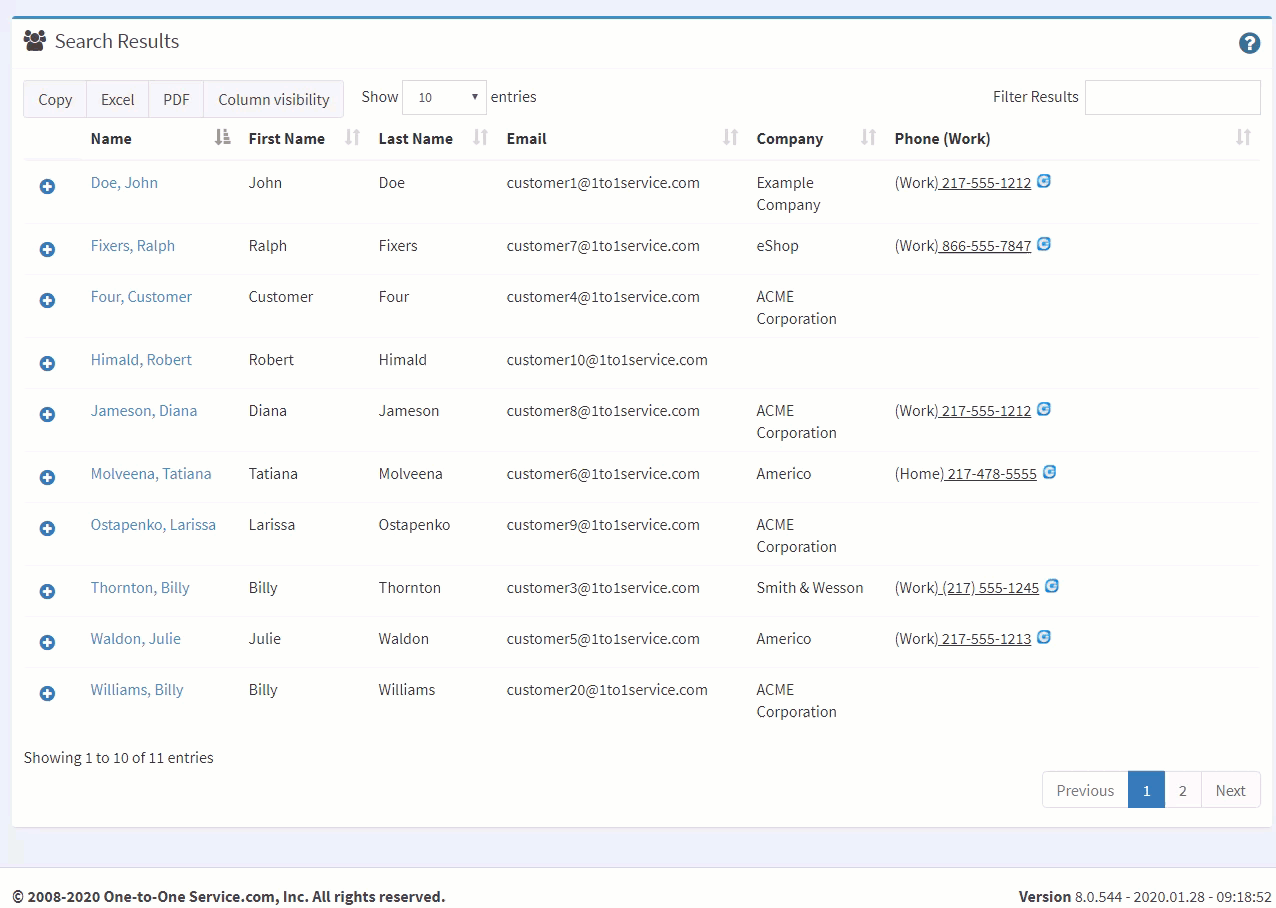
iService contact search results with the actions available on each row

Searchable properties and match positions

Agents narrow common customer details across searchable contact properties.

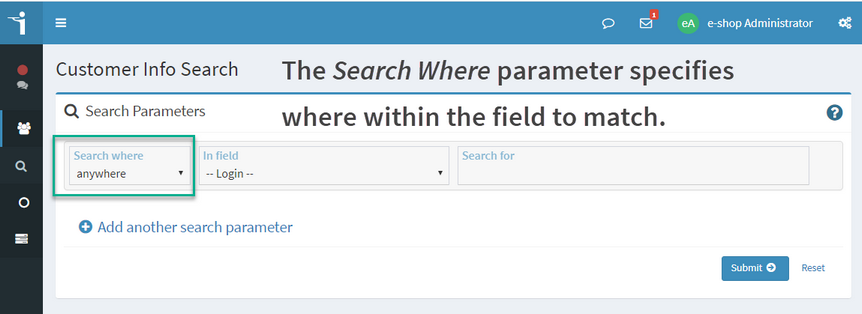
iService makes every tenant contact property searchable and combines multiple fields in one query. Agents switch between anywhere, start, end, and exact matching to narrow common details. Field and match-position controls search from the information the customer provides during the conversation.

The iService contact search selecting which property to search within

Start customer work from a search result

An agent finds a customer record and begins the next action during one conversation.

An agent receives a customer detail and searches selected fields with a partial value. The agent selects the matching contact or account and expands the result row. From that row, the agent starts an email, records a note, or opens a ticket. The customer action starts from the search result.

An iService contact search combining several conditions into one query

Contacts and accounts in one result set

Customer conversations reference people and organizations in the same service record.

iService returns contacts and accounts in one result set. Agents search either record type from the same customer detail and select the record for the active conversation. The result set keeps person and account lookup in the same customer search.

Search results within Segment Access Rights

Agents search contacts and accounts within their assigned Segment Access Rights.

iService enforces the agent’s existing Segment Access Rights when it returns contacts and accounts. The result set remains within the agent’s assigned access rights. Search controls expand the customer details agents can use while the authorized records remain scoped to the segment.

See customer search in iService

Request a demo to see an agent search partial customer details, select a result, and begin an email, note, or ticket.

Request a Demo