
Platform

Route chatbot chats to qualified agents

iService keeps chatbot and live-agent conversations in one chat channel. Configure each chatbot with a persona, model, opening text, instructions, and optional file store. When a customer requests an agent, iService routes the active chat to a skills-qualified agent with the conversation and service context.

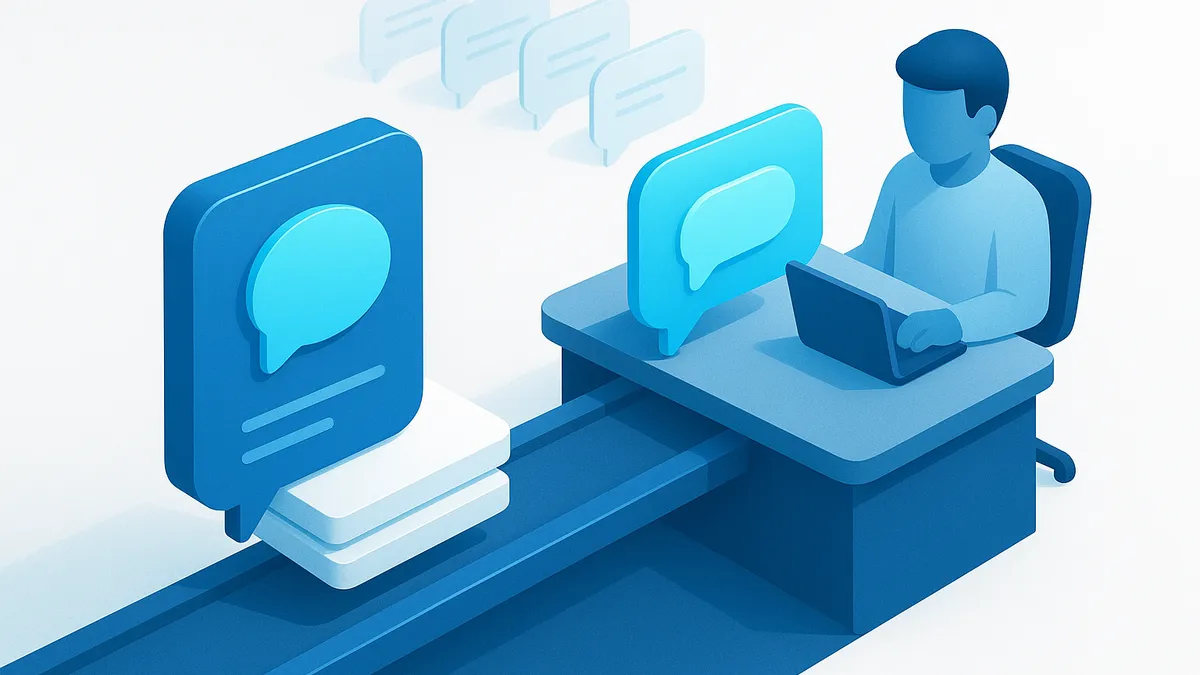
An automated chat handed off to a staffed agent while retaining its context

Chatbot escalation to an agent

A chatbot routes an active customer conversation to an agent when the request needs a person.

iService routes the active chatbot conversation to a skills-qualified agent when the customer requests a person. You configure first contact, grounding controls, live monitoring, and agent escalation for each chatbot. The customer continues the same conversation with the assigned agent.
A single upright control face with set dials, a slot of blank reference sheets, and one lit indicator, a small figure at its corner for scale

Chatbot configuration

A chatbot uses defined instructions, a customer chat form, and an agent escalation path.

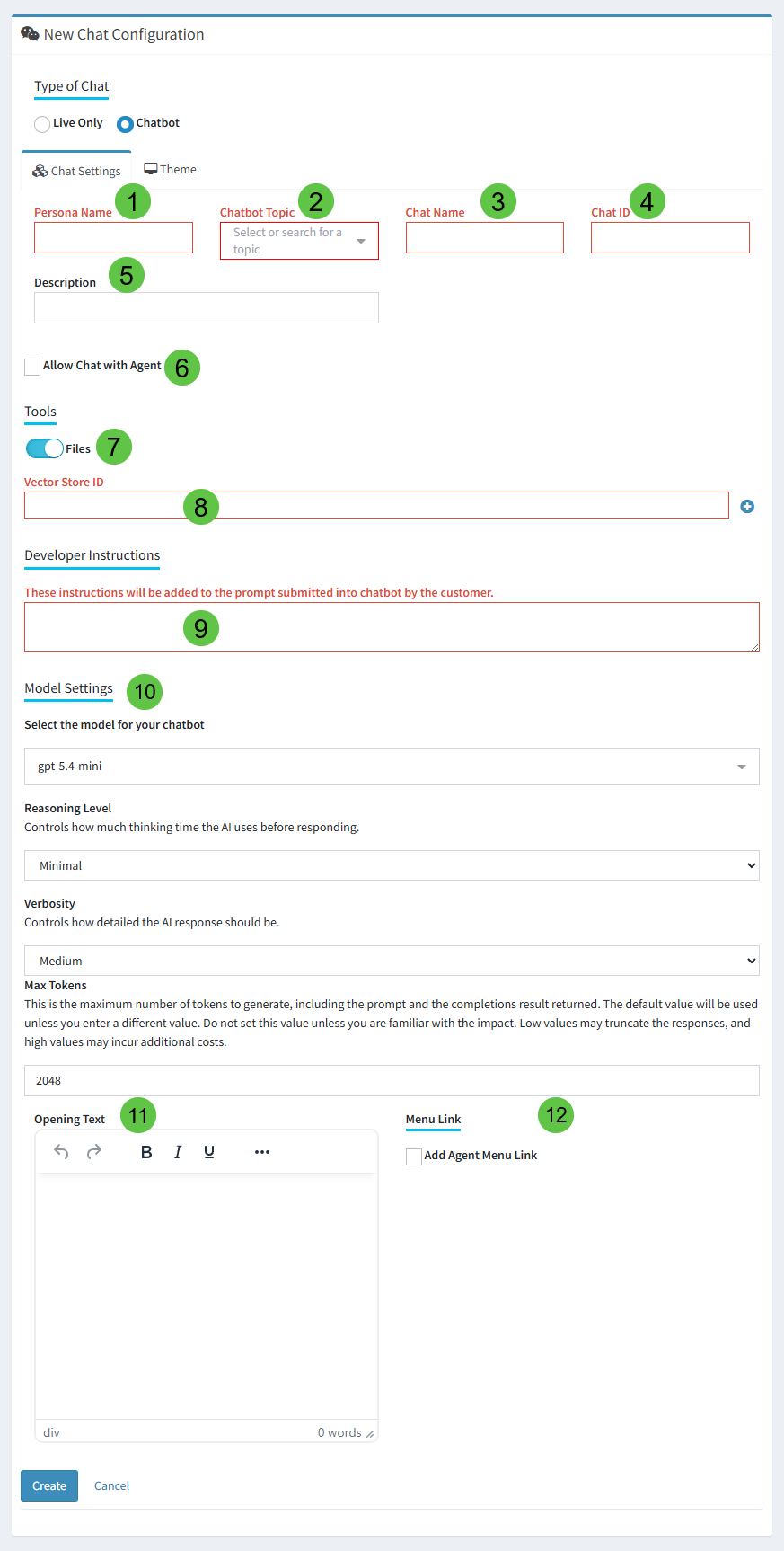
iService configures each chatbot with a persona, model, opening text, instructions, and optional file store. Browser-based chat forms collect pre-chat questions and provide Knowledge Base self-service. Customers open the chat form in a browser. The configured form sends each conversation into the iService chat channel.

iService chat configuration selecting the chatbot that answers first

Chat handoff to a qualified agent

A customer asks for an agent after starting a chatbot conversation.

A customer starts a chat in a configured browser form and asks for an agent. iService routes the active chat through the skills-based queue used for other service work. A qualified agent receives the conversation in the agent chat workspace and reads the chat history. The agent creates a ticket during the chat when the request requires tracked work.

Chat history in iService

Chat conversations use the same routing, history, Knowledge Base tools, and access controls as other iService work.

iService includes live chat with routing, history, Knowledge Base tools, and history access controls. Chatbot conversations save to contact history and remain available for supervision with live chats. The customer record keeps the automated and agent-led messages in one conversation history.

Live chat queue operations

Managers monitor waiting chats, active chats, agent actions, and response times.

iService alerts qualified agents to waiting chats and shows managers real-time queues, transcripts, and response-time reports. Managers review assigned agent actions and take over or terminate a chat. The live operations view keeps the chatbot escalation visible after the handoff.

See chat and chatbot routing in iService

Request a demo to see iService route an active chatbot conversation to a skills-qualified agent with its chat history.

Request a Chat Demo