Platform

Insert approved replies with customer data

iService gives every agent approved wording for repeat questions and inserts it into the reply editor. The variable picker fills templates with contact, form, and interaction values. Agents review and edit the completed reply before sending it to the customer.

Approved replies for repeat questions

Support teams maintain approved wording for recurring customer questions.

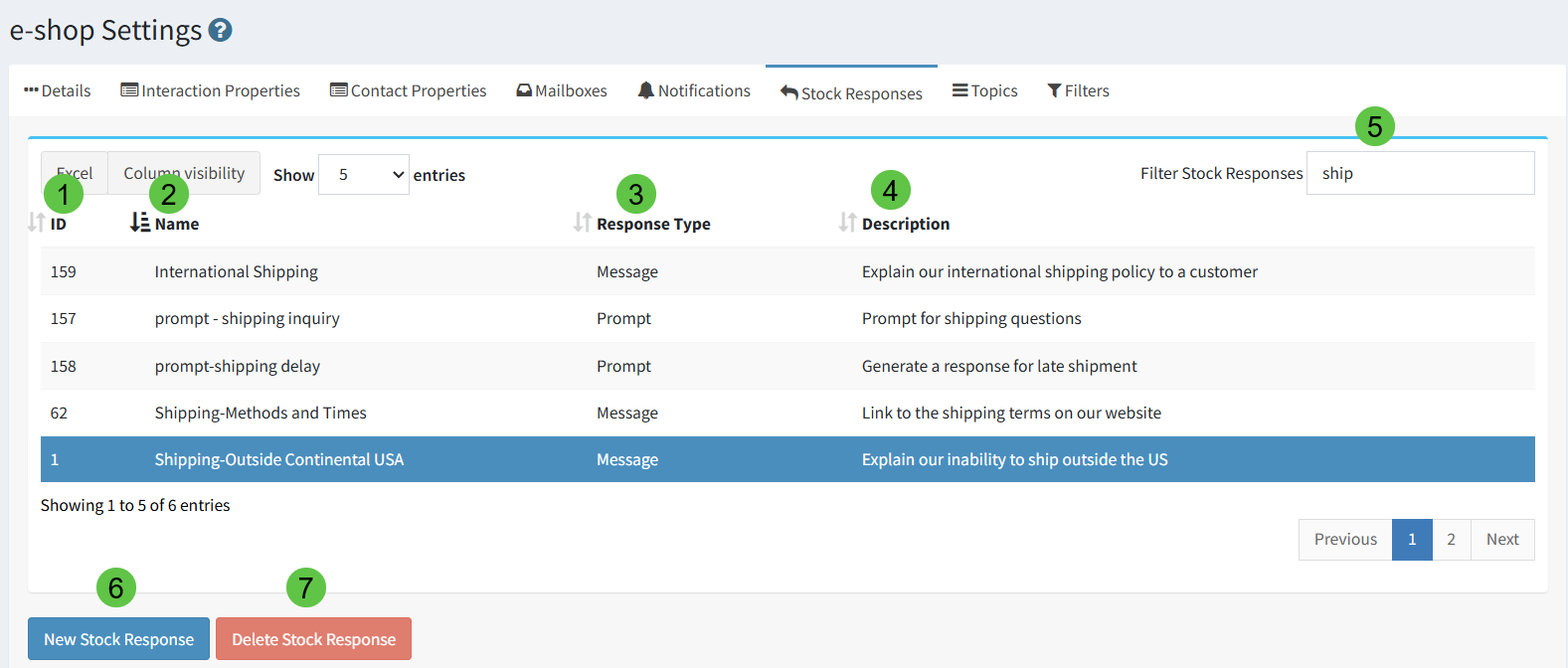
iService inserts approved stock responses into the reply editor. Support teams set shared wording and review the personal responses agents save. The response library keeps approved explanations available where agents write customer replies.
The iService stock response panel offering approved wording to the agent

Response types and scopes

Agents use message, chat, and AI prompt responses at shared, segment, or personal scope.

iService stores message, chat, and AI prompt responses at segment, personal, or shared scope. The response type identifies where agents use the wording. The scope controls who can use it. Teams maintain shared answers for common questions, and agents keep personal responses for their own work.

An iService stock response configured for reuse by agents

Variables in a customer reply

An agent inserts approved wording and customer details into an active interaction reply.

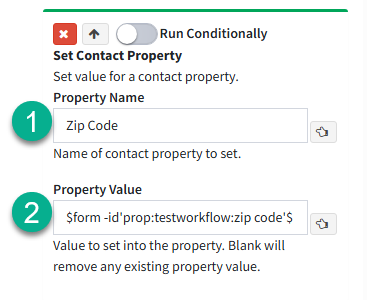
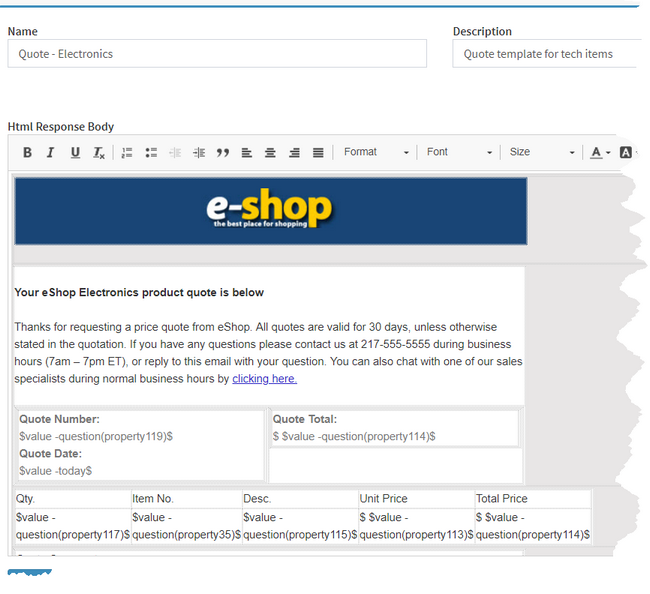
An agent opens a customer interaction and inserts a stock response into the editable reply. The agent uses the variable picker to insert contact, form, and interaction values into the template. The agent reads and edits the completed response. The sent answer includes approved wording and the customer details from the interaction.

iService workflow variables available for insertion into a response

Shared paragraphs in connected responses

A shared paragraph appears in several approved customer responses.

iService nests stock responses inside other responses. A corrected shared paragraph updates every answer that uses it. Teams maintain repeated wording in one response and apply the updated paragraph across connected answers.

Editable replies before sending

Agents adapt the final customer response to the active interaction.

iService inserts variable-filled stock responses into the agent’s editable reply. Agents edit the final answer before sending it. Shared responses keep approved wording available while agents tailor the response to the customer interaction.

See the iService stock response library

Request a demo to see an agent insert an approved response, use the variable picker, and edit the completed reply before sending it.

Request a Demo