

Communication channel

Route web requests through service workflows

iService Custom Forms collect the details required by each service process. Every submitted field becomes an interaction property for routing, search, and reporting. Workflow Automation creates queued service work from the submission. Teams assign, escalate, and follow the request through the configured process.

A customer filling one upright structured form whose evenly spaced fields seat each detail in place, with a completed form travelling into work behind

Complete service requests at intake

Service request forms capture required details, deadlines, and product preferences at submission.

iService Custom Forms collect required request details at submission. Picklists and text, date, date-time, number, integer, and list properties capture deadlines and product preferences in structured formats. Teams receive a request with routing and action context.

One submitted request whose supplied details reappear unchanged wherever the team later looks

Form fields in the service workflow

Submitted Custom Form fields become interaction properties used throughout the service workflow.

Each Custom Form field becomes an interaction property for routing, search, and reports throughout the request. Workflow Automation uses the submission to create a queued follow-up ticket. The workflow moves work through assignment and escalation. Contact details and preferences drive targeted follow-up, mailing lists, or scheduled nurture campaigns.

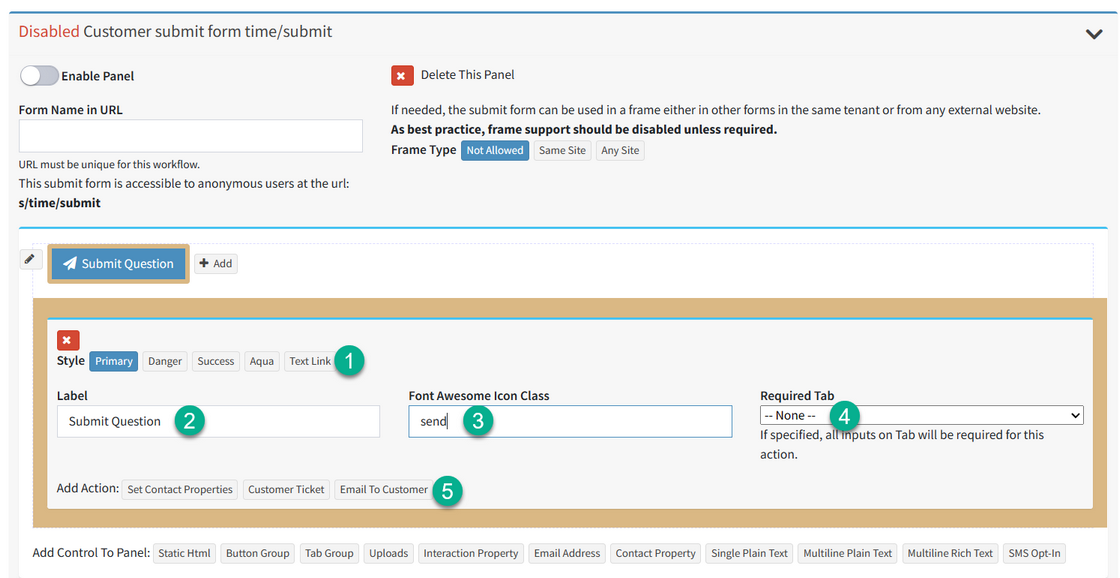
An iService customer submission form collecting the details its workflow needs

A submitted service request

A submitted form creates a queued request, customer notification, and assigned service action.

A customer submits a form with a deadline and product preference. The fields become interaction properties, and Workflow Automation creates a queued follow-up ticket. The workflow assigns the request, sends the customer an automatic notification, and records each process step. The agent works from the submitted details.

Configurable form fields and workflow tests

Custom Form fields use configured property types and test data verifies the connected workflow.

iService Custom Forms use configurable field types for structured request values. Teams build and maintain forms as HTML, then submit test data to verify the connected workflow before deployment. The form remains connected to the properties, routing, and process that use its values.

Request-specific forms and workflows

Different request types collect different details and move through different follow-up paths.

iService gives each request type a configurable form and workflow. Custom Forms collect the details for that process, and Workflow Automation defines assignment, escalation, and follow-up. Teams use structured request intake for each service path.

Request an iService demo

iService Custom Forms turn submitted fields into interaction properties, queued follow-up tickets, and workflow actions.

Request a Demo