

Platform

Secure portal messages and customer history

iService gives customers an authenticated portal for requests, messages, and interaction history. Segment Management connects account summaries, secure messaging, and portal access to the customer service segment. Customers sign in to read sensitive messages and review their own interaction history.

A branded customer portal with secure messages, a request form, and connected history

Authenticated account communication

Regulated and account-specific correspondence uses an authenticated customer portal.

iService stores account details in authenticated portal history. Customers use the signed-in portal for regulated and account-specific correspondence. Service teams and customers read the same secured communication record.

A long row of identical closed compartments with one open and lit in front of a single person holding a key

Segment-managed portal access

Portal users receive account summaries, history, secure messaging, and request forms for their service segment.

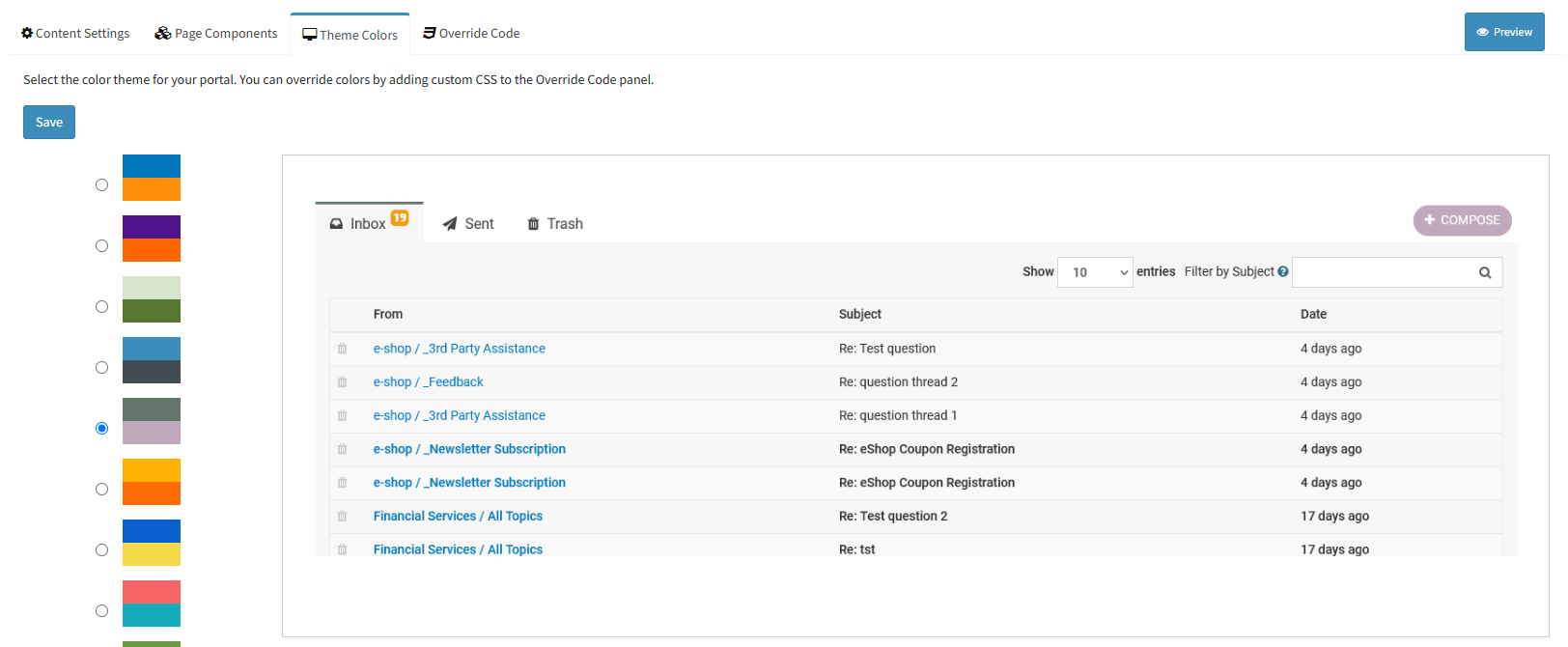
iService uses Segment Management to give authenticated portal users account summaries, history, and secure messaging for their segment. You configure portal headers, footers, themes, page components, and team-specific content. Portal question forms use topics, interaction properties, access rules, and required fields to collect structured requests.

The iService secure message portal where a customer reads and sends messages

Secure answers in the portal

A customer receives a secure notification when an answer is ready in the portal.

A customer submits a portal question and the service team records an answer on the interaction. iService sends a configurable Secure Notification directing the customer to sign in. The customer reads the answer in portal history beside the related service interaction.

Shared portal and agent record

Customers and agents view the same interaction record for account-specific correspondence.

iService shows customers the same interaction record agents use. Portal history and the agent service view remain connected to the same request and messages. Customers and agents use one record for account-specific correspondence.

Portal self-service and Knowledge Base

Portal users review history, update permitted details, manage subscriptions, and access Knowledge Base content.

After signing in, customers review interaction history, update permitted profile details, and manage mailing-list and campaign subscriptions in iService. Portal users also access the Knowledge Base.

See customer portals for financial services

See Financial Services to review iService customer portals for regulated and account-specific correspondence.

See Financial Services