
Communication channel

Answer chats automatically and hand off to an agent

iService answers chats with a configured chatbot, then routes the live conversation to a qualified agent when the customer asks for a person. The chatbot and agent use the same routing, queues, and history as your email and ticket work. Both parts of the conversation stay in contact history.

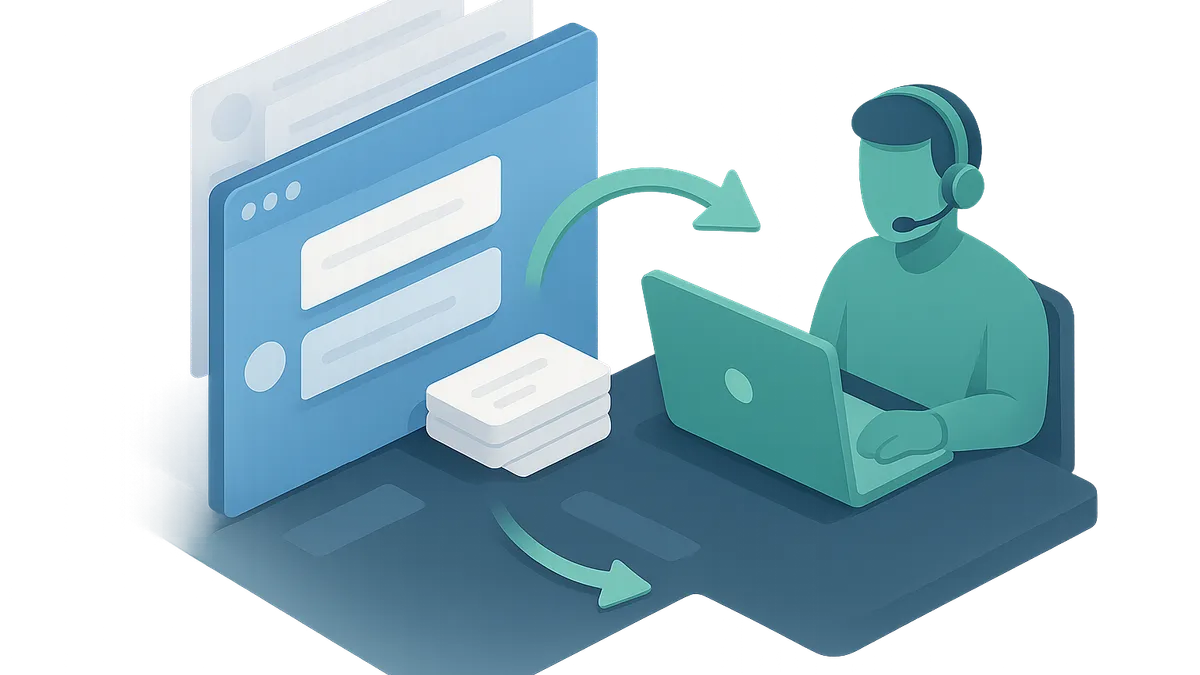
A browser chat conversation and its history passing along a route to a staffed agent workspace

A handoff that keeps the conversation

Customers repeat themselves when an automated chat hands off to a person.

iService keeps the chatbot and qualified agent in the same live conversation. Your team answers routine questions automatically, then routes requests that need a person without making the customer start over. Both parts of the exchange remain in contact history.
Chat volume that splits two ways

Chat traffic mixes routine questions with requests that need a person.

Live Chat and Chatbots fits teams whose chat traffic mixes routine questions with requests that need a person. You configure the chatbot to answer the first group. iService routes the rest to a skills-qualified agent.

How a chatbot conversation reaches an agent

You configure each chatbot and the browser form that opens the conversation.

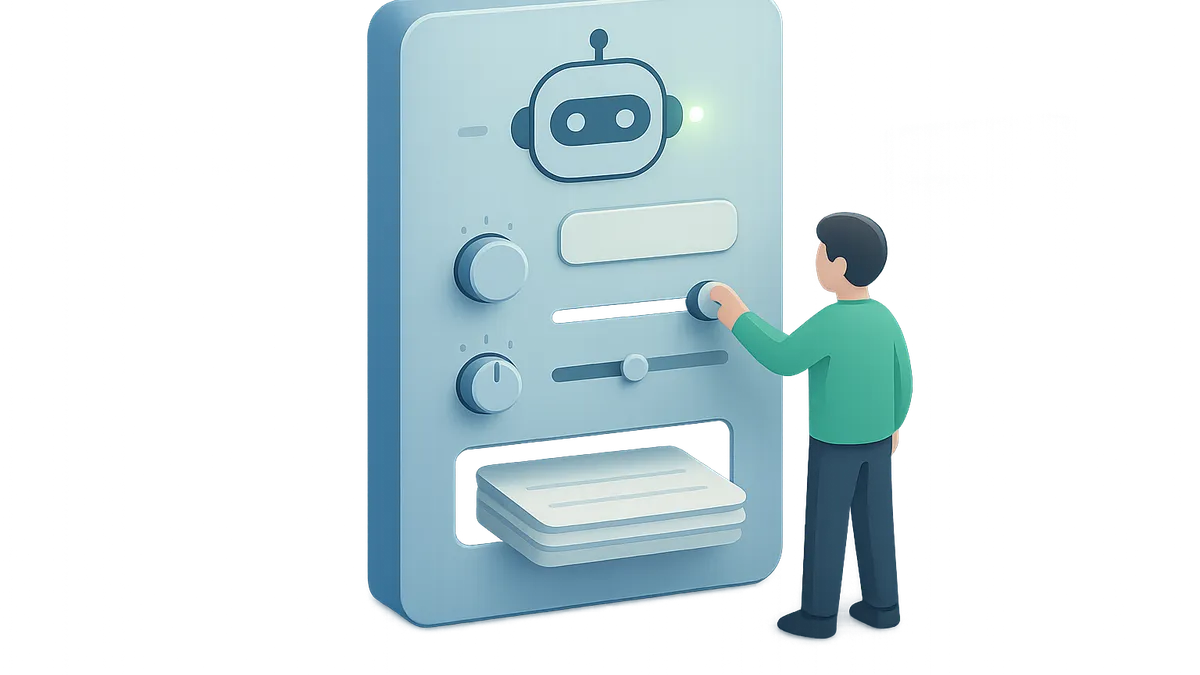
You configure each iService chatbot with a persona, model, opening text, instructions, and an optional file store. A customer starts in a browser chat form. When the customer asks for an agent, iService routes that active chat to a skills-qualified agent. Chat uses the same routing, queues, and history your team already uses for email and tickets.

An operator configuring a chatbot control surface with blank reference sheets and active settings

A customer asks for a person

A customer starts in a chat form and then asks for an agent.

A customer opens the browser chat form and starts a conversation with the configured chatbot. The chatbot answers the routine question. The customer asks for a person, so iService routes the live chat to a skills-qualified agent. The agent continues the same conversation. The chatbot exchange and agent response stay in contact history.

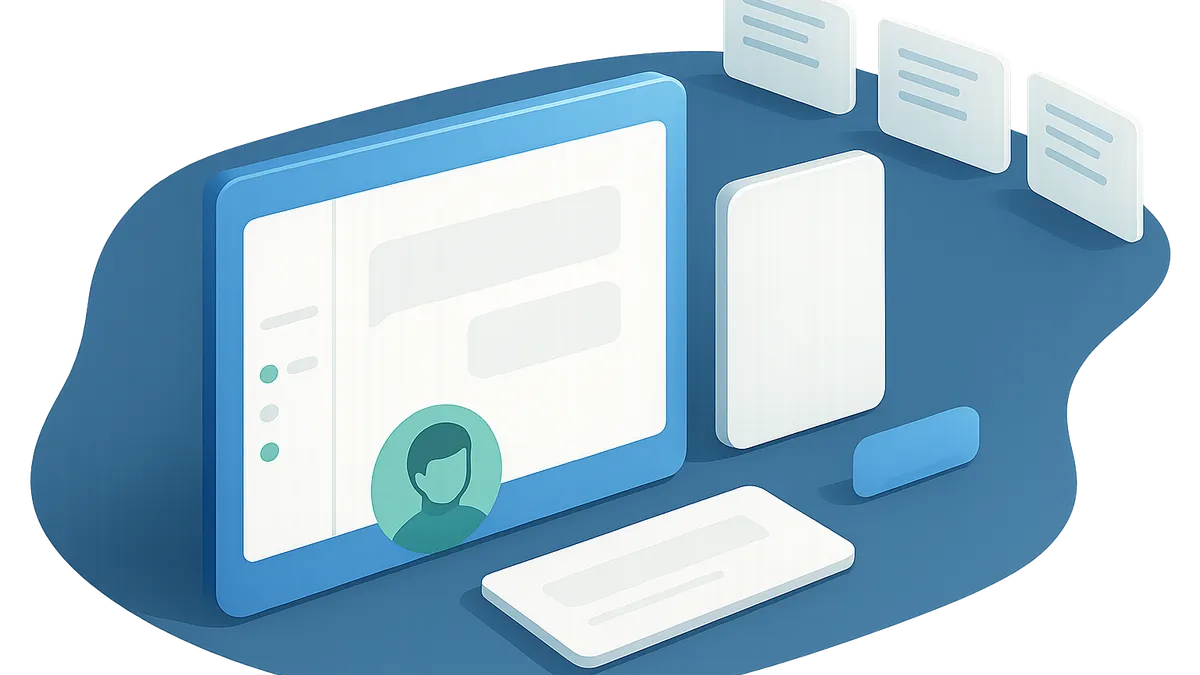
A manager reviewing an active chat, agent availability, and a queue of waiting chats

Chat uses the queues you already run

Chat runs on the same routing, queues, and history as your other service work.

iService runs chat on the same routing, queues, and history your team already uses for email and tickets. A chat does not create a separate customer record or queue model. Your team works the channel with the service tools it already knows.

What managers see during a live chat

Managers need to see what a chatbot is saying to customers.

The logged-in Chat Agents page shows each agent status. Managers can watch waiting chats, read transcripts, and take over or end a live chat. They can see the conversation before and after the chatbot hands it to an agent.

See chat and chatbot handoff in iService

Request a demo to see a configured chatbot hand a live conversation to a skills-qualified agent while iService keeps both parts in contact history.

Request a Demo