Platform

Manage customer-service queues during the shift

iService uses live WebSocket updates to show queue depth, agent availability, and ageing work as messages arrive, move, and resolve. Supervisors see current queue conditions during the shift. They assign ageing work and rebalance workloads from the same operating view. Queue counts update as each item moves to resolution.

An interaction advancing through route, guide, and observe stages that loop back

Live queue conditions

Support supervisors manage queue depth, agent availability, and ageing work during active shifts.

iService shows queue depth, agent availability, and ageing work while customer messages arrive and move. Supervisors see current conditions across active queues. The live view identifies backlog and workload conditions while supervisors can assign work.
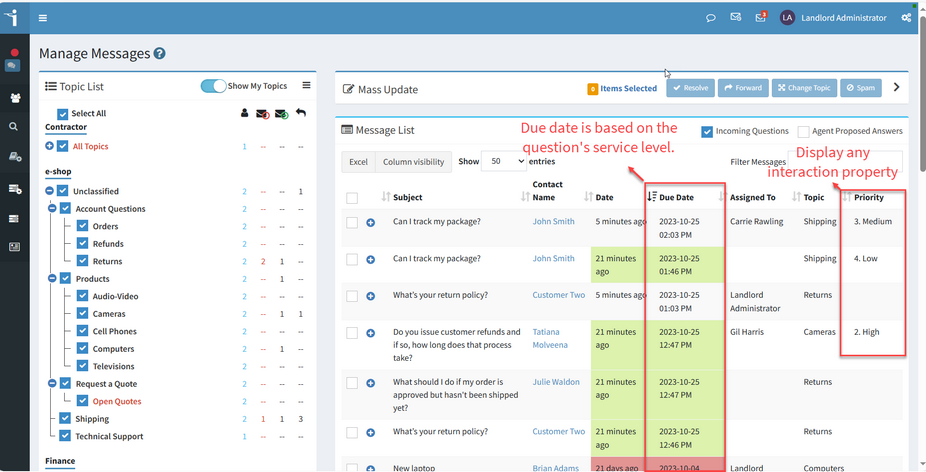
The iService Manage Messages view listing current interactions with their status and owner

Active service operations

Service operations managers act on service levels and workload while queues change.

iService shows current queue and agent signals for supervisors who manage service levels during an active shift. Reports remain available for analysis after the work is complete.

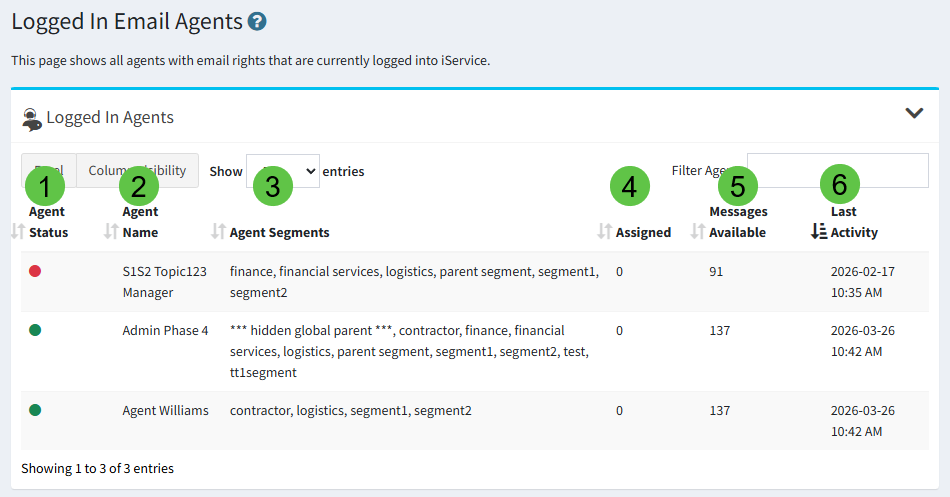
The iService logged-in email agents list showing who is available to take work

Live WebSocket queue updates

Live queue management uses current queue, agent, and ageing-work signals.

iService uses live WebSocket updates to keep queue depth, agent availability, and ageing work current. New messages, assignments, and resolutions update the operating view as they occur. Supervisors see when a queue grows, an agent becomes available, or an item ages. The same view shows the current state of customer work throughout the shift.

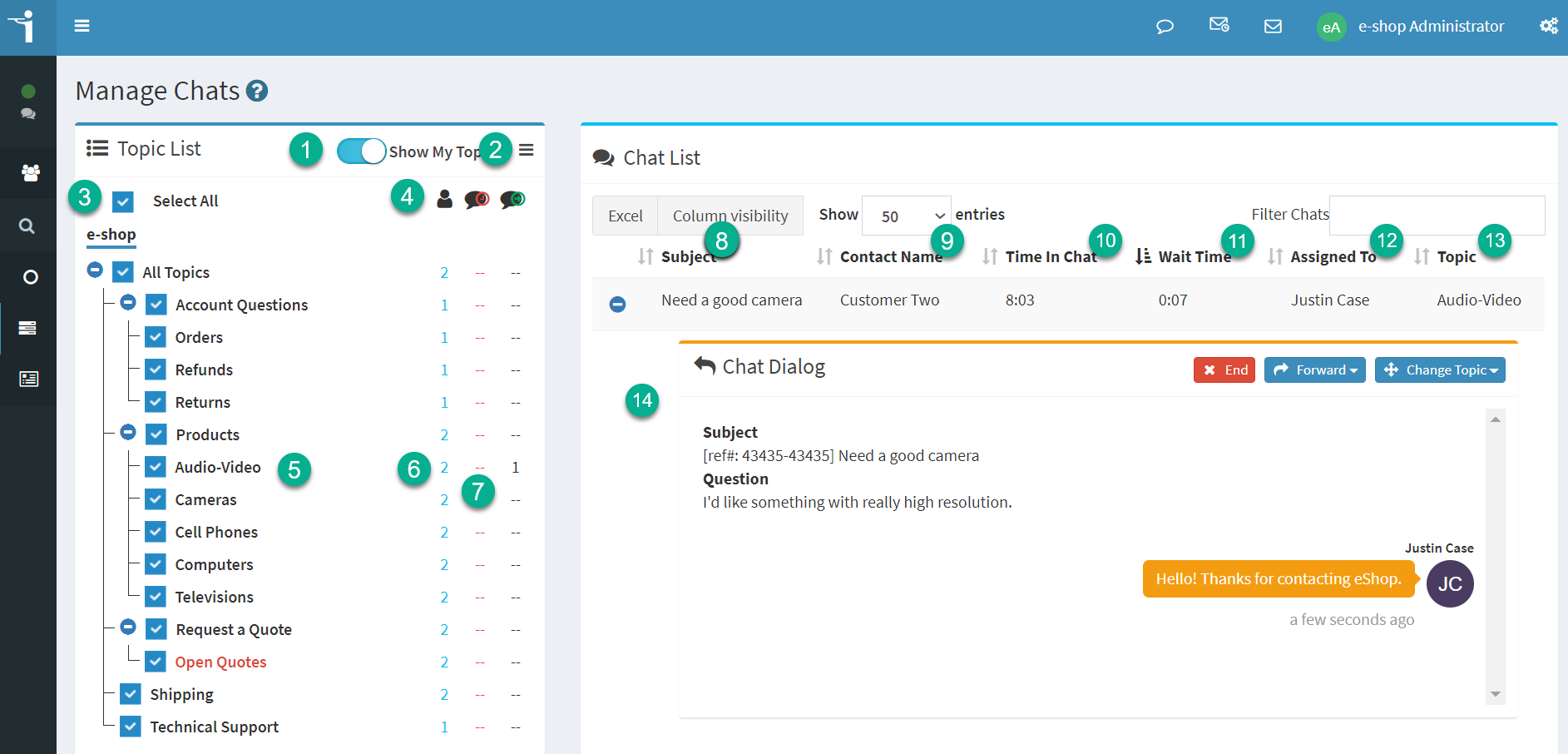
The iService Manage Chats view showing active chat sessions and the agents handling them

Rebalance a queue during the shift

An ageing message, agent workload, and assignment decision determine queue action during a shift.

A supervisor sees an ageing message in the queue and checks the current agent workload. The supervisor assigns the item to an available agent from the queue view. As the message moves through the workflow and resolves, iService updates the queue count. The supervisor follows the ageing item, assignment, and resolution in the same operating view.

Live queue and agent operations

Supervisors use queue and agent conditions that change with active customer work.

iService uses live WebSocket updates to keep queues and agents current. Supervisors review queue depth, agent availability, and ageing work while messages and assignments change. The operating view shows the work in progress during the shift.

Queue assignment controls

Supervisors assign ageing work while they monitor active queue and agent conditions.

iService pairs live queue and agent views with assignment controls. Supervisors assign ageing work and rebalance workloads in the same operating workflow. Queue counts update as assigned work moves to resolution.

See real-time operations in iService

iService shows queue depth, agent availability, ageing work, and assignments as customer work moves.

Request a Demo